
You have an idea for a merch store, but you can't draw and you don't have a designer's budget? In 2026 that's no longer a blocker. Launching a merch store with AI has become a weekend project: ready-to-use visual styles and image generation take you from idea to your first product on sale in one session.
TL;DR
- You don't need to draw. You start from curated visual styles and generate designs by AI — no Photoshop, no Illustrator.
- Print-on-demand means zero stock. You only pay the supplier once a customer has paid you.
- Follow the order: niche → designs → platform → publish. Skipping the niche step is the #1 beginner mistake.
- Consistency beats quantity. 3–5 cohesive products in one niche outsell a pile of random designs.
Why AI merch is accessible to everyone in 2026
Three years ago, opening a merch store meant mastering Photoshop or paying a freelancer €30–150 per design. Testing ten t-shirt ideas cost hundreds of euros before you even knew if a single one would sell. That entry cost stopped most solo creators.
AI removed that barrier. Generating a print-ready visual now takes seconds, and testing a niche costs almost nothing. The real edge isn't replacing design — it's being able to iterate fast and cheaply. Produce twenty concepts in an afternoon, keep the best three, launch without spending a cent on creation.
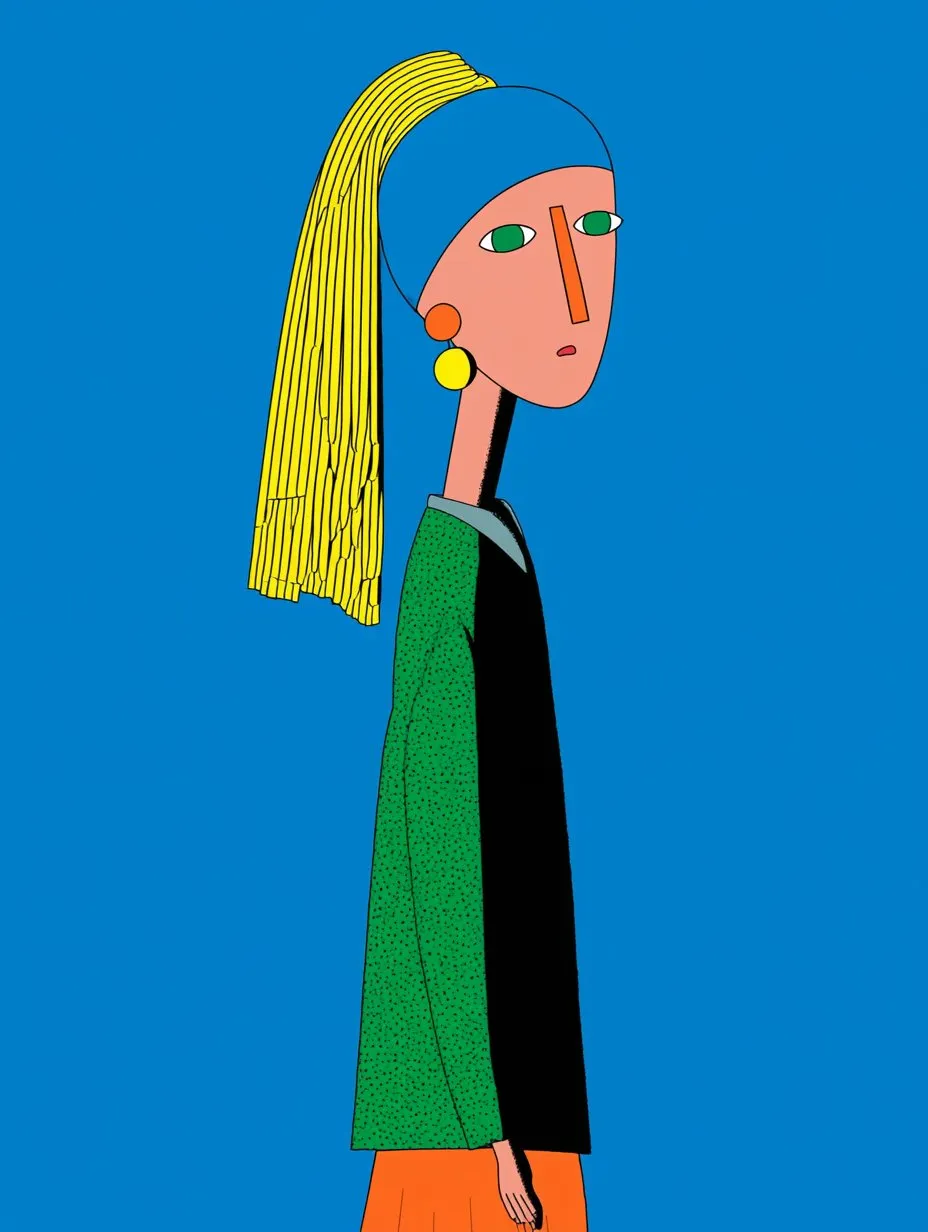
Key point. Your competitive advantage in 2026 isn't knowing how to draw — it's picking a good niche and iterating fast. The flip side: since everyone can generate an image, the difference is made by visual consistency. That's exactly what MintMerchs curated styles give you: not empty prompts, but a coherent look across every design.
What you need to run a POD store
The list is short. To launch a merch store in print-on-demand, you need no stock, no premises, no cash advance. The POD model prints and ships only when a customer buys — you pay the supplier after you've been paid.
- A niche: a precise theme with an identifiable audience (not "funny t-shirts", but "t-shirts for yoga teachers").
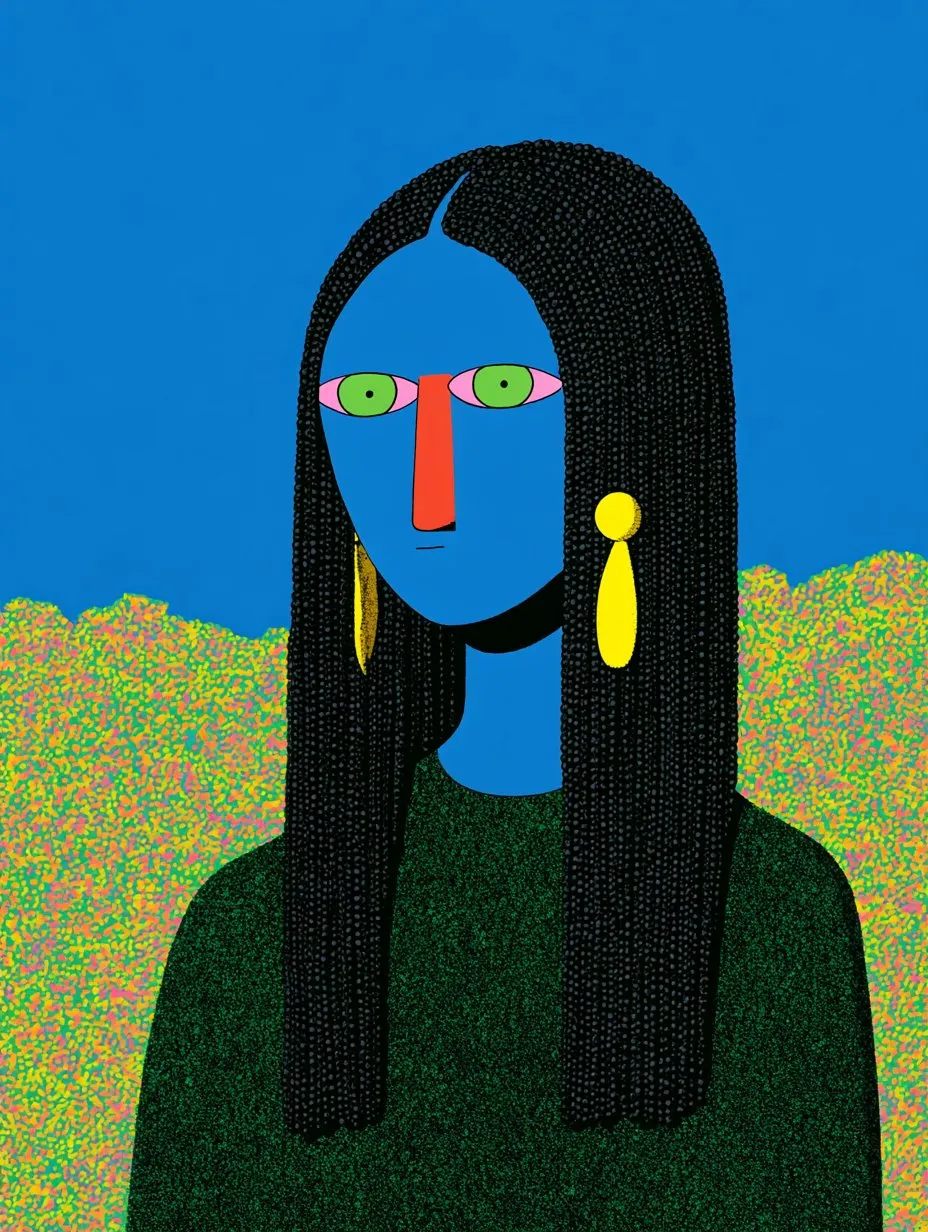
- Consistent designs: a few visuals in a recognizable style, exported as high-res PNG (transparent background ideally).
- A POD platform: Printful or Printify for printing and shipping.
- A storefront: an Etsy shop, Shopify, or a simple online catalog to take orders.
Tip. Don't try to perfect everything before launching. Aim for 3 to 5 products in one niche. A small, cohesive shop converts better than a catalog of 50 random designs.
Step 1 — Choose your merch niche
Your niche decides 80% of your success. An average design in a hot niche outsells a masterpiece in a saturated one. The goal: a theme with a passionate audience and still-reasonable competition.
- Passions and communities: hobbies, professions, animals, regions. The prouder the community of its identity, the better the merch works.
- Micro-moments: new parents, weddings, retirements, milestone birthdays. People happily buy a product that celebrates a moment.
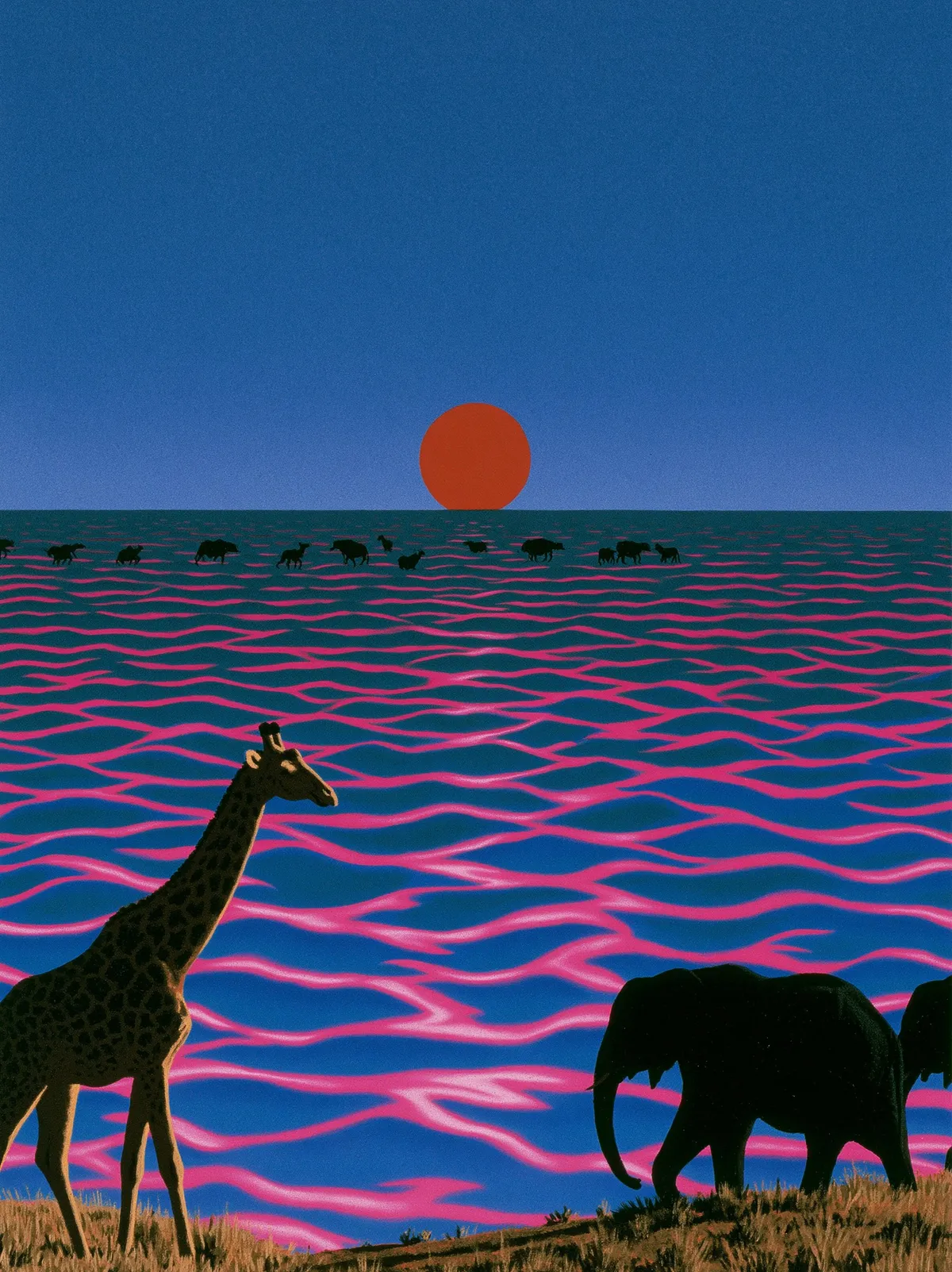
- Visual trends: retro, synthwave, cottagecore, Japanese streetwear — aesthetics an audience will buy for the style itself.
Watch out. Avoid generic, hyper-competitive niches like motivational quotes. You'll compete on price against thousands of sellers. Prefer a narrower but more loyal niche. Before creating anything, validate demand: search your niche on Etsy and check whether existing shops sell regularly — that's your cheapest validation signal.
Step 2 — Generate your first designs with AI
This is where merch without a designer becomes real. Instead of writing a blind prompt and hoping, you start from a curated style that locks the mood, palette and finish. You get visuals that are consistent with each other — essential for a shop that looks professional.
- Pick a style from the library (each has its palette and recommended products).
- Describe your subject in one plain sentence ("a fox going hiking").
- Generate several variants in one click.
- Export the high-res PNG, ready for print.

Key point. Consistency beats quantity. Staying on one style for a whole collection builds a recognizable identity. On the technical side: export as PNG, 300 DPI minimum, transparent background for dark garments. Working from one consistent style is a method in itself — see what vibe design for merch means.
Step 3 — Connect Printful / Printify to Shopify or Etsy
Your designs are ready — now the logistics. You won't print anything yourself. The two market references are Printful (premium quality, slightly higher prices) and Printify (large printer network, often better margins).
- Create a free account on Printful or Printify.
- Connect your storefront: Etsy to tap an existing buyer audience, Shopify for your own brand and more control.
- Create a product: pick the item (t-shirt, poster, tote, stickers), upload your PNG, position it on the mockup.
- Set your price: base cost + your margin. Make sure the margin covers platform fees and leaves a net profit.
Takeaway. POD syncs everything automatically. When a customer orders, the job goes straight to the printer, who produces and ships under your shop's name. You never front stock or touch the physical product. For a first launch, Etsy is usually the fastest path.
Step 4 — Publish and test your first products
Publishing isn't the finish line — it's the start of the most important phase: testing the real market. Your goal now isn't to sell everything, but to learn what sticks. For each product, nail three things that drive the click:
- The mockup: a sharp product image. It's what the buyer sees first.
- The title: include the words your niche actually types ("yoga teacher gift t-shirt"). It's your main Etsy ranking lever.
- Tags and description: fill every available tag with search variants, and describe the product in natural language.
Watch out. Don't judge a design on one day. Let it run 2 to 4 weeks and watch impressions and clicks. A product with lots of views but no sales usually signals a price or mockup problem, not a design one. Launch 3–5 products, measure, then double down on what works.
Common beginner mistakes
- Creating before validating the niche. Beautiful visuals nobody searches for = zero sales.
- Mixing every style. An incoherent shop inspires less trust. One style per collection.
- Neglecting listing SEO. On Etsy, title and tags do half the work.
- Giving up too soon. First sales take time; those who keep the loop going win.
- Pricing with no margin. Always compute POD cost + platform fees + net margin before publishing.
- Using low-resolution artwork. A blurry PNG prints badly and triggers returns.
FAQ
Do I need to know how to draw to launch an AI merch store?
No. You start from curated visual styles and generate your designs with AI. No Photoshop or Illustrator required. What matters most is picking a niche and writing a clear sentence to describe your subject.
How much does it cost to launch a print-on-demand store?
Print-on-demand needs no stock and no advance. You only pay for printing after a customer pays you. The only possible upfront costs are small listing fees (a few cents on Etsy) and your time.
Etsy or Shopify to start?
Etsy to move fast: the buyer audience is already there. Shopify when you want to build a lasting brand and control your design. Many creators start on Etsy, then add Shopify.
How many designs do I need to open?
Aim for 3 to 5 cohesive products in one niche rather than a large scattered catalog. A small, polished collection converts better and lets you test the niche quickly.
Are AI-generated designs usable commercially?
Yes, as long as you generate original visuals and respect your generation tool's terms. Starting from curated styles and your own subjects produces unique designs. Just avoid reproducing protected brands, logos or characters.
Launching an AI merch store comes down to one loop: choose a niche, generate consistent designs, connect print-on-demand, publish and iterate. Pick a style, describe your idea, and let AI produce your first print-ready visual. Generate your first merch design with MintMerchs.